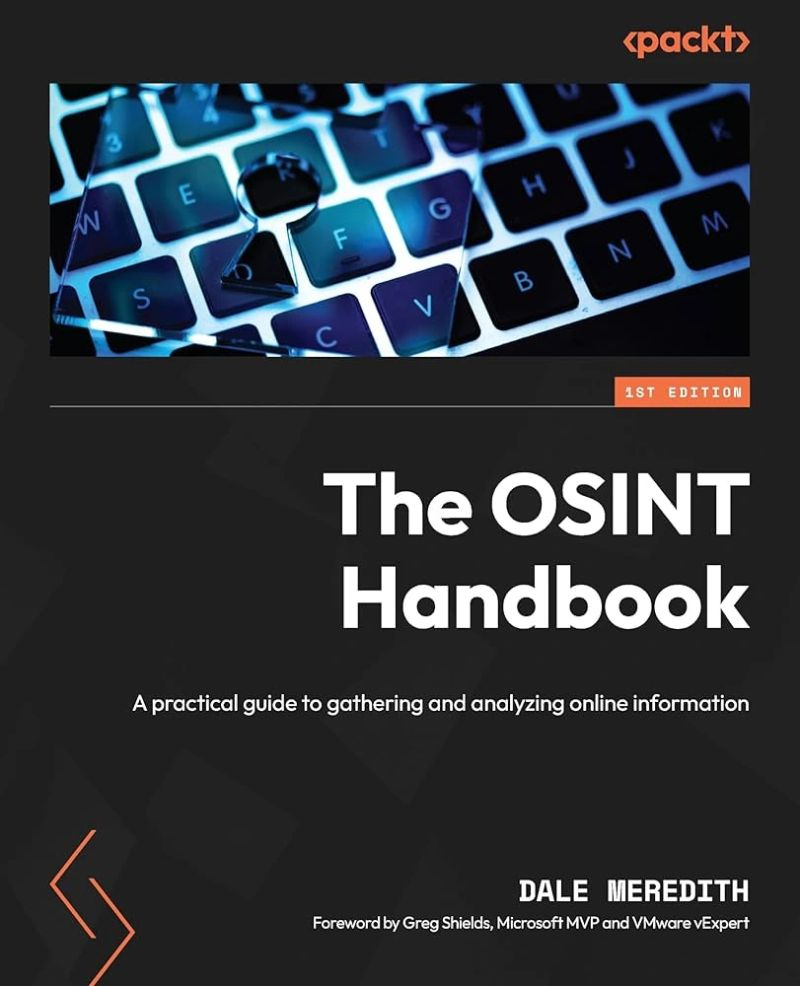
The OSINT Handbook - Dale Meredith
Read the book “The OSINT Handbook” by Dale Meredith. I should note that I read the Russian translation, so the localization team might have contributed their own flavor.
For building a general understanding of OSINT as a phenomenon, it’ll do.
The title, in my opinion, is too bold to call it a “handbook.”
I couldn’t figure out who this book was written for: The author either descends into hand-holding, over-explaining the simplest terms, or expects the reader to be an experienced Linux user. Sometimes it reads like a bureaucratic manual, then suddenly tries to wrap terms and approaches in everyday analogies or drifts into strange humor about cybercowboys and batmen.
In the first part of the book, I felt like it was written for officials and managers - to explain why you need an OSINT specialist or an entire department, or to somehow legitimize these approaches in a business environment.
After the middle, the author seems to pick up pace and starts talking about tools and real approaches, but quickly slides into a shallow overview of frameworks and applications, and then goes into endless repetitions of entire paragraphs from previous chapters.
If you remove the awkward analogies, strange humor, bureaucratic digressions, and endless self-repetition, it would make a decent overview article about OSINT.
Here’s an excerpt from the book:
If you’re running Windows, installing Recon-ng is also straightforward: First, you’ll need Python, since Recon-ng is built on it. Python 2.7.x works best and can be downloaded from the official Python website. During installation, make sure to check “Add Python to PATH” so the system can find it from any directory. After installation, open the command prompt (find cmd in the Start menu) and run python –version. At this step, we’re essentially checking our gear before a tough hike. If installation went smoothly, you’ll see the Python version number. With Python ready, move on to installing Recon-ng. In the same command prompt window, enter: pip install recon-ng This is akin to downloading a virtual toolbox. The pip package manager installs all necessary components like a professional supply officer assembling equipment for a mission.
The OSINT Handbook: A practical guide to gathering and analyzing online information Dale Meredith